Showing posts with label 3D Art. Show all posts

Thursday, November 15, 2018

Week 11 Proxy Model

This week, we were to proxy out more of our environment in VR.
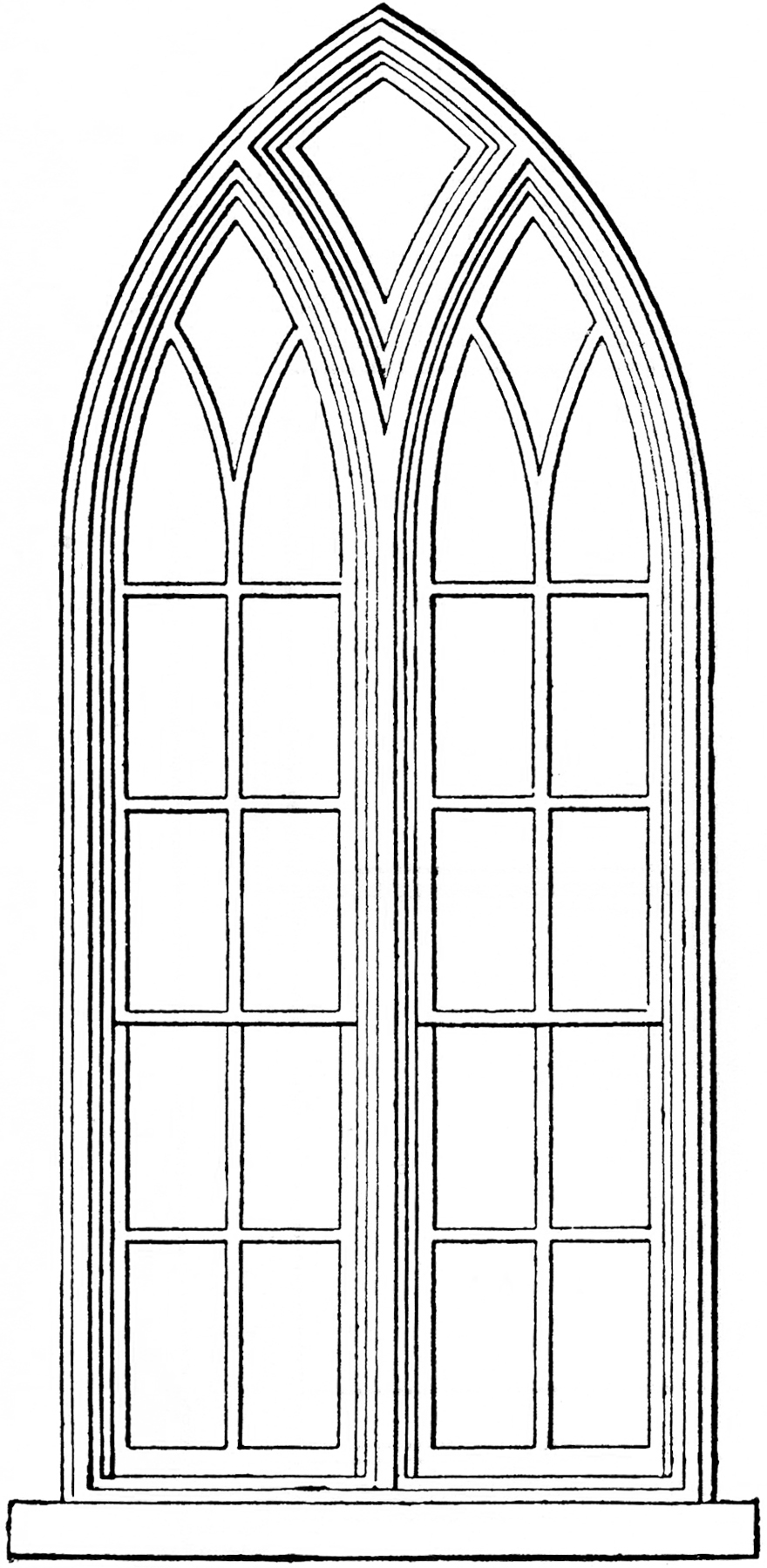
My role this week was to replace the planes as windows with actual Gothic windows. We finalized the design with an early english style because of it's triangular and elegant shape.

This was my reference:

Image result for gothic architecture windows

And this was my model to scale. Adjustments may be needed to make it bigger as well as inserting an image plane to create a stain glass picture in this window.

Monday, October 15, 2018

Moving the Cannon into UE4

Industry reviews are over and we still have something due that night! Either way, I actually am really satisfied to see my baby cannon in the engine with its textures and maps


Here is my material map:

And here is a close up of the cannon with a figure to scale.

Monday, October 8, 2018

Week07 3d Assignment Canon

For this week's assignment, we were to take our high poly sculpt and bake it into our low poly model. 
Here is the high poly sculpt:

And this is what the low poly model:

In Substance painter, after baking the high poly into the low poly model, I look a few smart materials, such as Iron Raw and started to brush grundge and dirt for more detail.


I played around with the blend mode of the layers and coloring and came to this painted steel canon.

Sunday, September 30, 2018

3D Week 06 UV and Digital Sculpting for a Prop


For this week, I took the previous proxy and UV'd the model. I used 3D Coat to UV and laid out the shells neatly. 


I created a HiRes Canon by taking the proxy model, beveling certain edges, and adding more geometry to create a smooth mesh.


I took the HiRes Canon and brought it into ZBrush and sculpted details on the mesh.


I then decimated the canon, about 6 times, in order to bring down the poly count. This is a snapshot of the final look.


Wednesday, September 26, 2018

John Berky Week 05 2d Art


 For this week, we were to take one of John Berky's pieces and model a part of it in 3D. While using Maya's perspective  and lighting, I set up my camera similar to the image and build a 2 point perspective shot.  


Friday, September 21, 2018

Week 05 3D Model Cannon

For this week, we made a 3D Model Cannon in Maya.

Here is my model:


My process was to split the cannon into 5 pieces:


Then I was able to bring it into unity:


Monday, September 17, 2018

Week 04 Lego Project Mountains

This is my lego mountain piece. 


I rearranged the mountain pieces and applied a material with UE4.


Sunday, September 9, 2018

Week 03 3D Lego Assignment

For the next few weeks, the entire class will be working together in a collaboration to create the Helm's Deep scene from Lord of the Rings. I was assigned to one of the four teams : Nature.

Helm's Deep has a very interesting terrain where the man made fort sits closely near a mountain range. With the nature team, we are given a challenge of creating an mountain structure. Looking through the different types of legos for environment, I found this piece:


I recreated the piece in Maya and this is how it came out:


Saturday, September 1, 2018

3D Week 02 Minecraft-ish Level

For this week's assignment, I will be making a scene in a Minecraft style, using beveled cubes, and pixel art for textures.


Below are three textures I used for the scene:


As you can see from the textures, my inspiration for this project came from Egyptian tombs. I thought fitting hieroglyphics on the cube was a smart idea to make use of the model.

Image result for egyptian tomb


Here is a sample of my materials that I was working with in progress. I really wanted the wall to stay flat and readable and went with a very matted look for this texture:

And here is the final product with lighting and a few sfx!


Saturday, August 25, 2018

3D Week 001 Assignment (UE4 Box Level)

For the first 3D Assignment, we first build a simple beveled cube in Maya and import it into Unreal Engine 4. This assignment was a great introduction to Unreal, learning the importance of scaling, creating materials and instances, as well as basic lighting. The Assignment was to build anything we wanted using only cubes.

 Here is the mannequin model taken from UE4 for scaling purposes.


Here is the beveled cube that I created in Maya, that will act as the building blocks in UE4.


I was inspired by the Mayan temples and wanted to recreate a similar temple with greenery. However, since the land and the stones will be rough, I plan on putting a water element to play with a more metallic and smooth material. 


Here is my initial sculpt with the boxes in Unreal Engine 4.


I created a Basic Cube Material with Metallic, Roughness, Specular, Color, Emissive as well as Fresnel nodes.


Here is a gallery of my material instances I made based off of the Basic Cube Material. 

I adjusted the lighting to show that the sun is setting as well as adding a slight pink hue.


I've never touched UnReal Engine 4, and this project has absolutely made me way more comfortable with the program.

Also, here is a bonus fish for fun: